
BQ4010YMA-70N vs BQ4010MA-200
| Part Number |
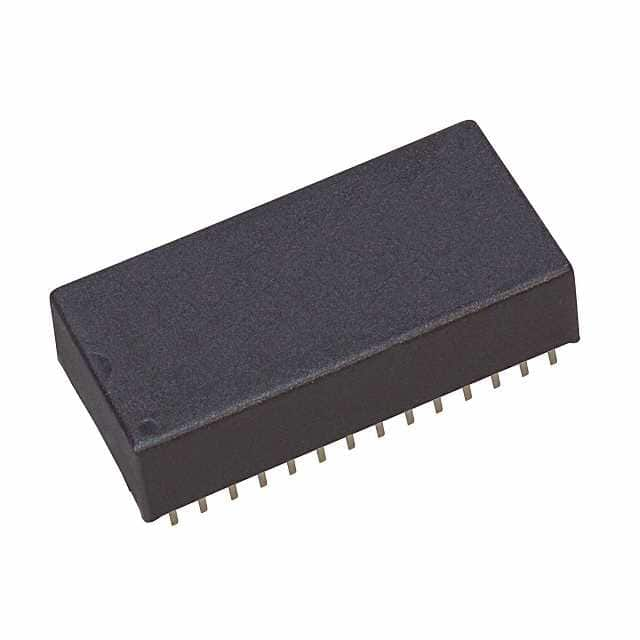
|
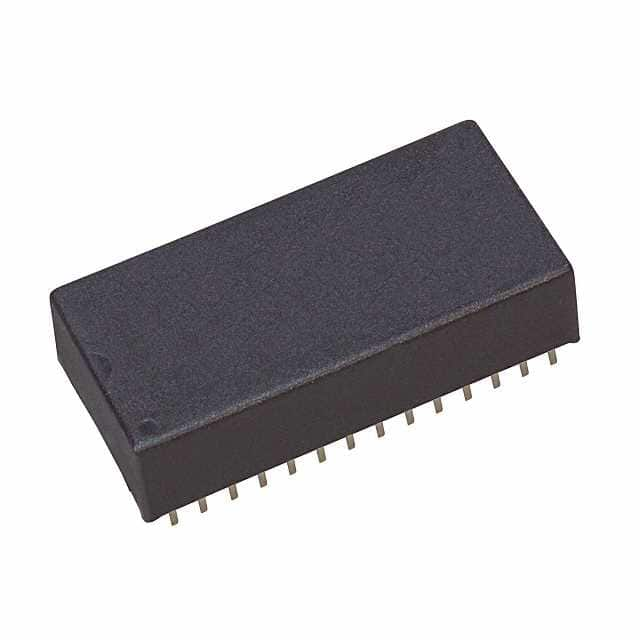
|
| Category | General Memory | General Memory |
| Manufacturer | Texas Instruments | Texas Instruments |
| Description | IC NVSRAM 64KBIT PARALLEL 28DIP | IC NVSRAM 64KBIT PARALLEL 28DIP |
| Package | Cut Tape (CT) | -Reel® |
| Series | - | - |
| Voltage - Supply | 4.5V ~ 5.5V | 4.75V ~ 5.5V |
| Operating Temperature | -40°C ~ 85°C (TA) | 0°C ~ 70°C (TA) |
| Mounting Type | Through Hole | Through Hole |
| Package / Case | 28-DIP Module (0.61\", 15.49mm) | 28-DIP Module (0.61\", 15.49mm) |
| Supplier Device Package | 28-DIP Module (18.42x37.72) | 28-DIP Module (18.42x37.72) |
| Memory Size | 64Kb (8K x 8) | 64Kb (8K x 8) |
| Technology | NVSRAM (Non-Volatile SRAM) | NVSRAM (Non-Volatile SRAM) |
| Memory Type | Non-Volatile | Non-Volatile |
| Clock Frequency | - | - |
| Access Time | 70 ns | 200 ns |
| Memory Format | NVSRAM | NVSRAM |
| Write Cycle Time - Word, Page | 70ns | 200ns |
| Memory Interface | Parallel | Parallel |
-
1. What is flash memory and what are the common types of flash memory?
Flash memory is a non-volatile memory used to store data, and the data will not be lost even if the device is powered off. Common types are NAND and NOR flash memory, which are mainly used in USB flash drives, SSDs, memory cards, etc.
-
2. Is there a relationship between the capacity and speed of memory?
The capacity and speed of memory are not directly related. The capacity refers to the amount of data that the memory can hold, while the speed determines the speed at which the memory reads and writes data. Generally speaking, faster memory such as RAM has a smaller capacity, while large-capacity storage such as HDD is relatively slow.
-
3. What are volatile and non-volatile memory?
Volatile memory loses data when power is off, such as RAM; non-volatile memory retains data after power is off, such as ROM and flash memory.
-
4. How to upgrade the computer's memory?
Computer storage performance can usually be improved by adding RAM modules or upgrading the HDD to a faster SSD. It is also necessary to ensure that the new hardware is compatible with the system, especially motherboard support and memory type.