
IS25LQ040B-JBLE vs BR93L66F-WE2
| Part Number |
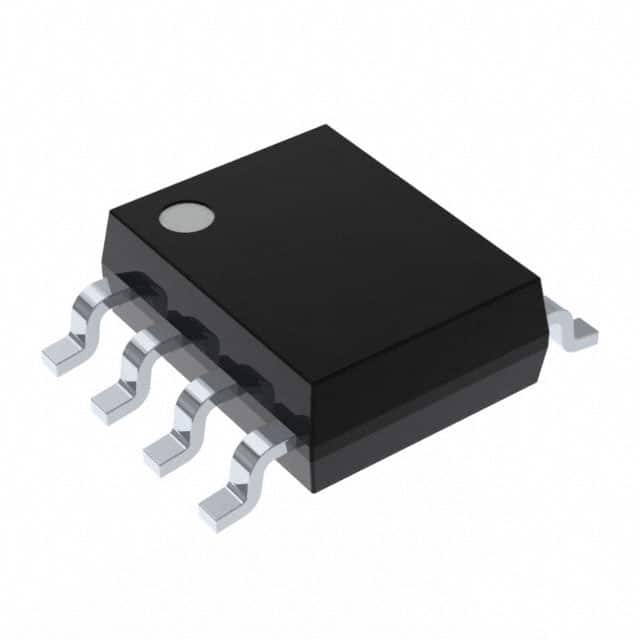
|
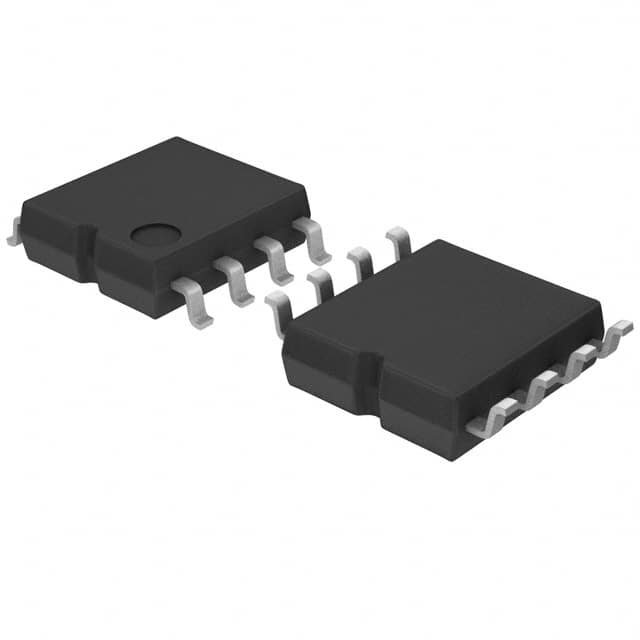
|
| Category | General Memory | General Memory |
| Manufacturer | ISSI, Integrated Silicon Solution Inc | Rohm Semiconductor |
| Description | IC FLASH 4MBIT SPI/QUAD 8SOIC | IC EEPROM 4KBIT SPI 2MHZ 8SOP |
| Package | -Reel® | Tape & Reel (TR) |
| Series | - | - |
| Voltage - Supply | 2.3V ~ 3.6V | 1.8V ~ 5.5V |
| Operating Temperature | -40°C ~ 105°C (TA) | -40°C ~ 85°C (TA) |
| Mounting Type | Surface Mount | Surface Mount |
| Package / Case | 8-SOIC (0.209\", 5.30mm Width) | 8-SOIC (0.173\", 4.40mm Width) |
| Supplier Device Package | 8-SOIC | 8-SOP |
| Memory Size | 4Mb (512K x 8) | 4Kb (256 x 16) |
| Technology | FLASH - NOR | EEPROM |
| Memory Type | Non-Volatile | Non-Volatile |
| Clock Frequency | 104 MHz | 2 MHz |
| Access Time | - | - |
| Memory Format | FLASH | EEPROM |
| Write Cycle Time - Word, Page | 800µs | 5ms |
| Memory Interface | SPI - Quad I/O | SPI |
-
1. What are the main types of memory?
Common memory types include random access memory (RAM), read-only memory (ROM), flash memory, hard disk drive (HDD), and solid-state drive (SSD).
-
2. How to choose the right memory type?
When choosing a memory type, you need to consider speed, capacity, durability and cost according to application requirements. For example, SSD is suitable for data that needs to be accessed quickly, HDD is suitable for large-capacity data storage, and RAM is suitable for high-speed computing.
-
3. How to upgrade the computer's memory?
Computer storage performance can usually be improved by adding RAM modules or upgrading the HDD to a faster SSD. It is also necessary to ensure that the new hardware is compatible with the system, especially motherboard support and memory type.
-
4. Why is the DRAM refresh rate important?
DRAM needs to be refreshed regularly to maintain data. The refresh rate affects the power consumption and speed of the memory. The higher the refresh rate, the faster the memory responds, but it also increases power consumption.