
TSC2100IDA vs AR1010-I/SS
| Part Number |
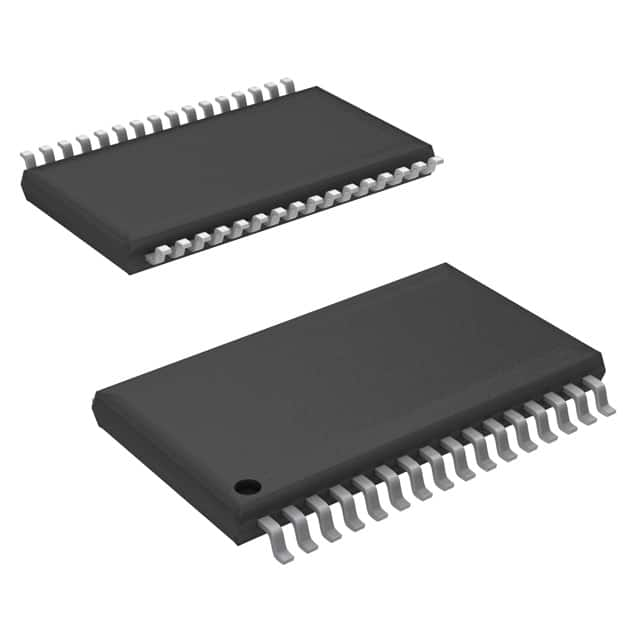
|
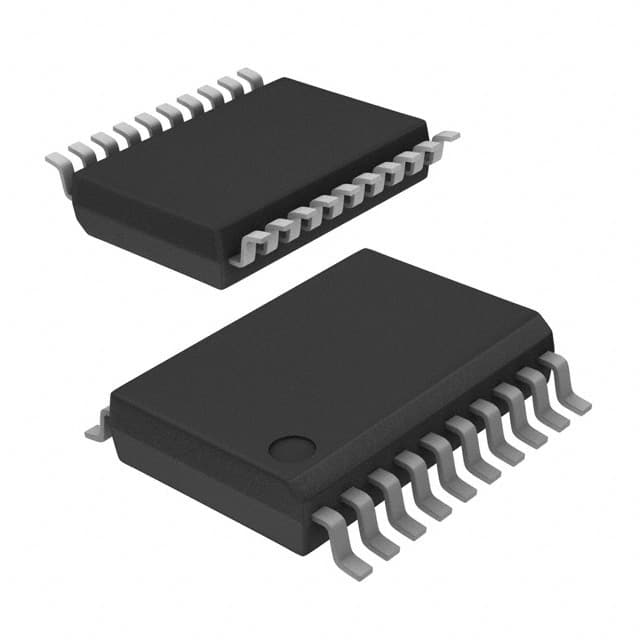
|
| Category | Data Acquisition - Touch Screen Controllers | Data Acquisition - Touch Screen Controllers |
| Manufacturer | Texas Instruments | Microchip Technology |
| Description | IC SCREEN CNTRL 12BIT 32TSSOP | IC SCREEN CNTRL 10BIT 20SSOP |
| Package | Tape & Reel (TR) | Cut Tape (CT) |
| Series | - | mTouch™ |
| Interface | I²S, SPI | UART |
| Voltage - Supply | 2.7V ~ 3.6V | 2.5V ~ 5V |
| Operating Temperature | -40°C ~ 85°C | -40°C ~ 85°C |
| Mounting Type | Surface Mount | Surface Mount |
| Package / Case | 32-TSSOP (0.240\", 6.10mm Width) | 20-SSOP (0.209\", 5.30mm Width) |
| Supplier Device Package | 32-TSSOP | 20-SSOP |
| Current - Supply | 780 µA | 17 mA |
| Resolution (Bits) | 12 b | 10 b |
| Touchscreen | 4 Wire Resistive | 4, 5, or 8 Wire Resistive |
| Voltage Reference | External, Internal | - |
-
1. What is a touch screen controller?
A touch screen controller is a control circuit module that can convert a user's touch operation into a digital signal and communicate with a computer or other device. It is widely used in a variety of electronic devices such as smartphones, tablets, electronic whiteboards, and is an indispensable part of modern life.
Working Principle
The working principle of a touch screen controller is closely related to the technology it uses, and mainly includes the following types:
Capacitive touch screen controller: works by detecting human body current induction. When a finger touches the screen, a coupling capacitor is formed between the finger and the screen surface, and the controller determines the location of the touch point by measuring the change in current. Capacitive touch screens have the advantages of high sensitivity, fast response, and support for multi-touch, and are widely used in portable devices such as smartphones and tablets
Resistive touch screen controller: works on the principle of pressure sensing. The surface of the touch screen is a thin film. When an object presses the screen, the two conductive layers (ITO film) come into contact, resulting in a change in resistance value, thereby determining the location of the touch point. Resistive touch screens are cheap and have strong anti-electromagnetic interference capabilities, but long-term use may cause wear and increased errors.
Surface acoustic wave touch screen controller: uses the propagation and reflection of sound waves to locate touch points. The controller emits sound waves at the four corners or edges of the touch screen. When an object touches the screen, the sound waves are interrupted, and the controller determines the touch position by detecting the change of the sound waves.
-
2. What is the use of touch screen input data?
Touch screen input data has a wide range of applications and important roles in many fields. First of all, touch screen input data has greatly changed the way of human-computer interaction on mobile devices, allowing users to operate directly on the screen with their fingers or stylus without using a mouse or keyboard, thereby reducing the learning cost and improving the efficiency and intuitiveness of operation.
This interaction method is not only suitable for mobile applications, virtual keyboards, handwriting input and gesture operations, but also supports a variety of gesture operations such as clicking, sliding, zooming and rotating, further enriching the interaction method.
In the commercial and industrial fields, the application of touch screen input data is also very extensive. Touch screen query software allows users to query and view various types of data, filter, sort and page data through sliding, clicking and gesture operations, and quickly find the required information.
In addition, touch screen technology is also used for data visualization, providing rich charts, graphs and tables and other functions to help users better understand and analyze data.
Touch screen technology has also been widely used in public information query, multimedia information system, medical instrument and industrial automatic control.
The basic principle of touch screen technology is to detect the user's touch position through the touch detection component, and pass the information to the touch screen controller, and then the controller transmits the touch point coordinates to the CPU for processing. Touch screen technology has developed from single-point touch to multi-point touch, supporting simultaneous recognition and processing of multiple touch points, further improving the richness and flexibility of interaction.
-
3. Is the controller better than the touch screen?
Controllers and touch screens have their own advantages and disadvantages, and they have their own advantages in different application scenarios.
Comparison of the advantages and disadvantages of controllers and touch screens
Controller:
Advantages:
Powerful: Controllers usually have powerful data processing and computing capabilities, and can perform complex control algorithms and tasks.
High flexibility: Various control logics can be implemented through programming, which is suitable for scenarios that require high customization and control complexity.
Strong scalability: It can be flexibly interfaced with other devices (such as sensors, actuators, etc.) to realize complex control systems.
Disadvantages:
High cost: Compared with touch screens, the hardware cost of controllers is usually higher.
Complex operation: Professional programming skills and knowledge are required, and operation and maintenance are relatively complex.
Touch screen:
Advantages:
Easy operation: Human-computer interaction is realized through touch operation, and the operation is intuitive and simple.
Low cost: The hardware cost is relatively low, suitable for scenarios with limited budgets.
High integration: Display and touch functions are usually integrated, reducing the complexity of the device.
Disadvantages:
Limited functions: The touch screen itself does not have strong data processing capabilities and usually needs to work in conjunction with other controllers.
Poor flexibility: Not as flexible as the controller in terms of high customization and control complexity.
-
4. What is a touch controller?
A touch controller is an input device that converts the user's touch operation into a digital signal and communicates with a computer or other device. It is widely used in a variety of electronic devices such as smartphones, tablets, electronic whiteboards, and is an indispensable part of modern life.
Working principle
The working principle of a touch controller is closely related to the technology it uses, and mainly includes the following types:
Capacitive touch screen controller: Works using human body current sensing. When a finger touches the screen, a coupling capacitor is formed between the finger and the touch screen surface. The controller determines the location of the touch point by detecting this capacitance change. Capacitive touch screens have the advantages of high sensitivity and low power consumption, and are widely used in mobile devices.
Resistive touch screen controller: works on the principle of pressure sensing. The surface of the touch screen is a thin film. When an object touches the screen, the two conductive layers under the screen are pressed to make contact, thereby determining the location of the touch point. Resistive touch screens are cheap and have strong anti-electromagnetic interference capabilities, but they require physical contact, and may cause wear and error increase after long-term use.
Surface acoustic wave touch screen controller: uses the propagation and reflection of sound waves to locate touch points. The controller emits sound waves at the four corners or edges of the touch screen. When an object touches the screen, the sound waves change, and the controller determines the touch position by detecting these changes.